




01 / WORKFLOW
Define models
Shape your entities, fields and relationships in the Generator UI.
EntitiesFieldsRelationships

Loading Admingen…
Preparing the first screen.





THE HEADLESS CMS GENERATOR FOR DEVELOPERS
Build your headless CMS with Go, PostgreSQL and React. Evolve the model in the UI while developing business logic in custom code; regeneration preserves your extensions.
Your application. Your code. Your rules.
PRODUCT DEMO
Define your models visually. Generate your project. Open your admin panel.
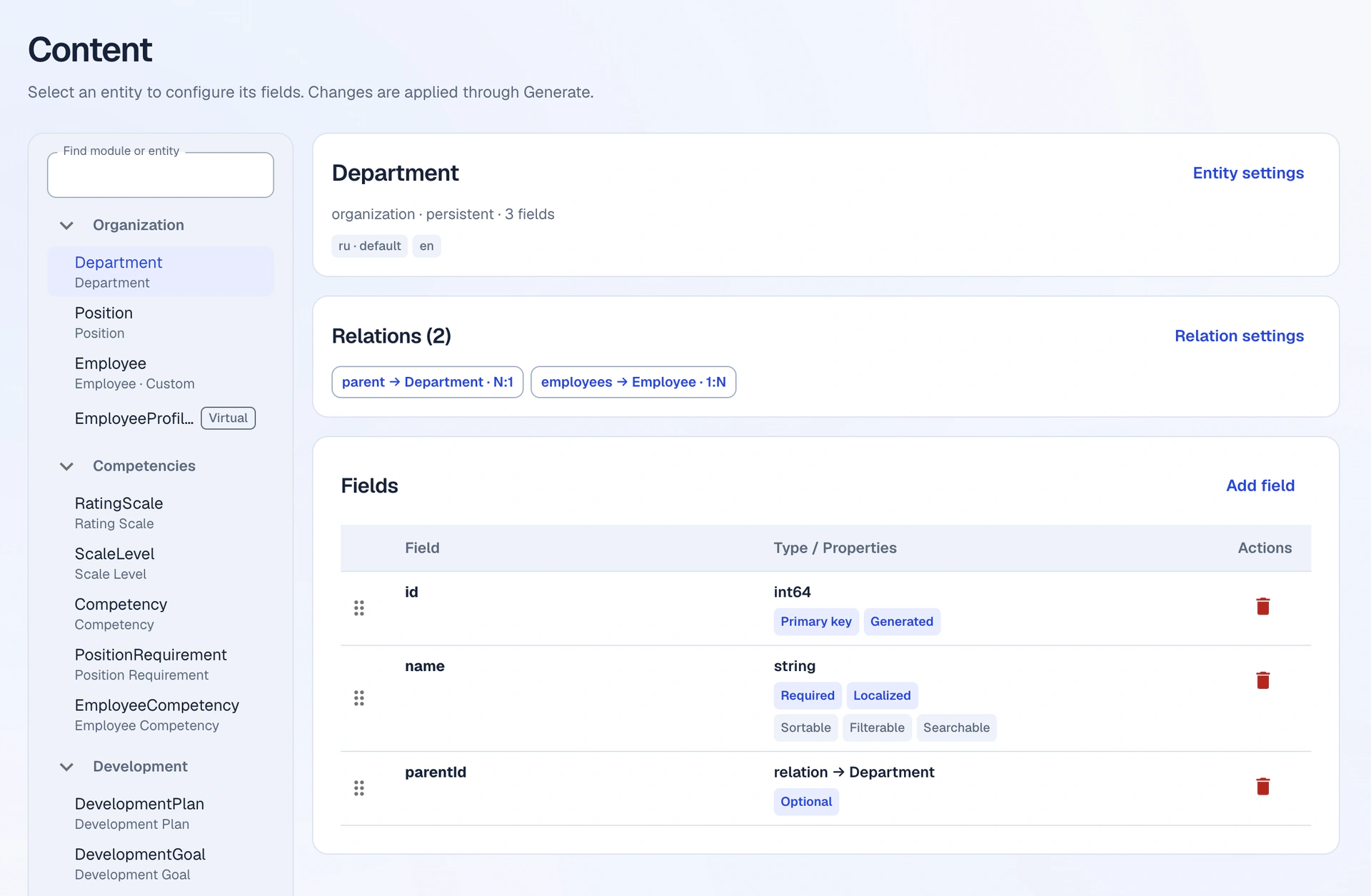
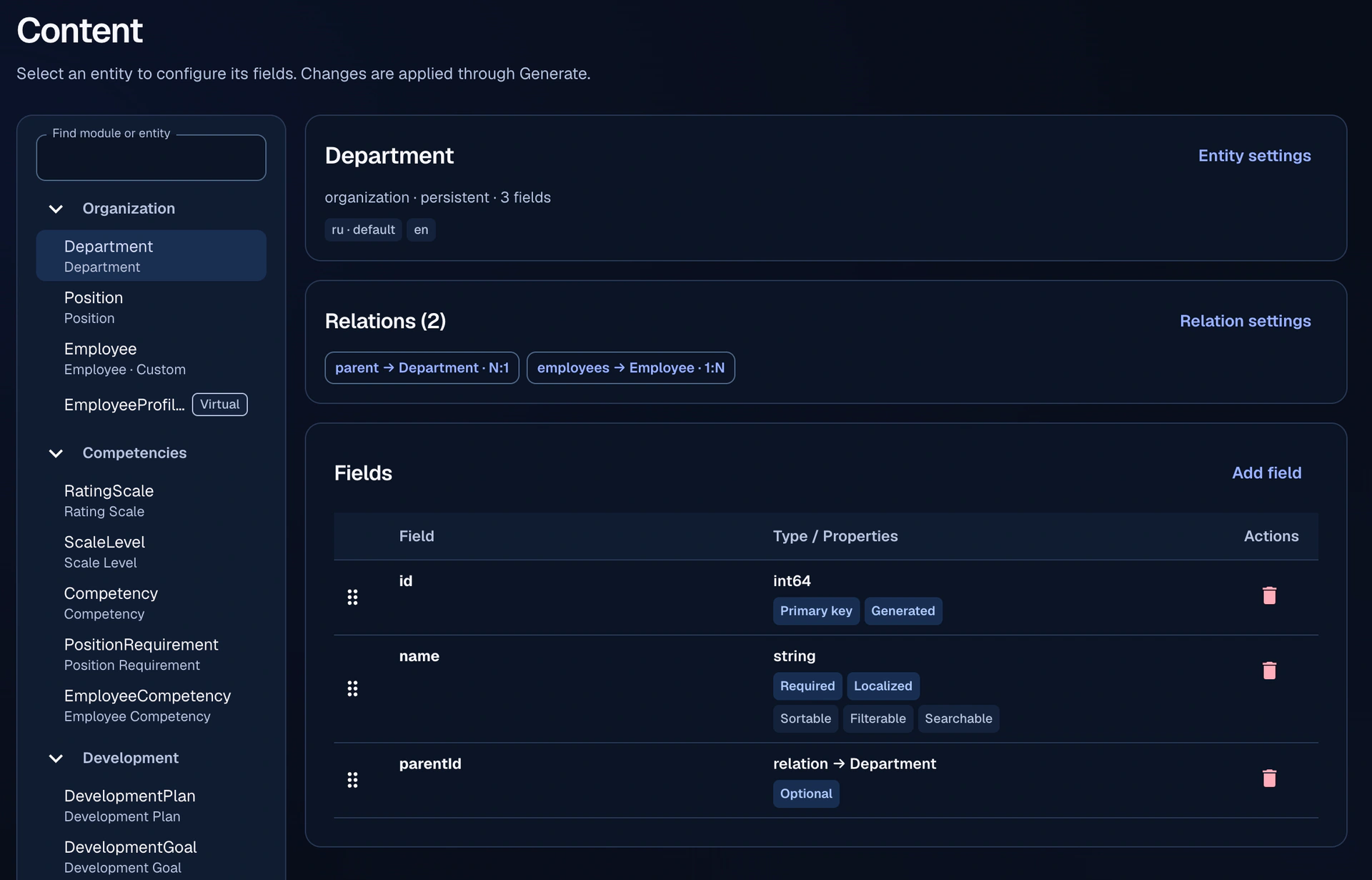
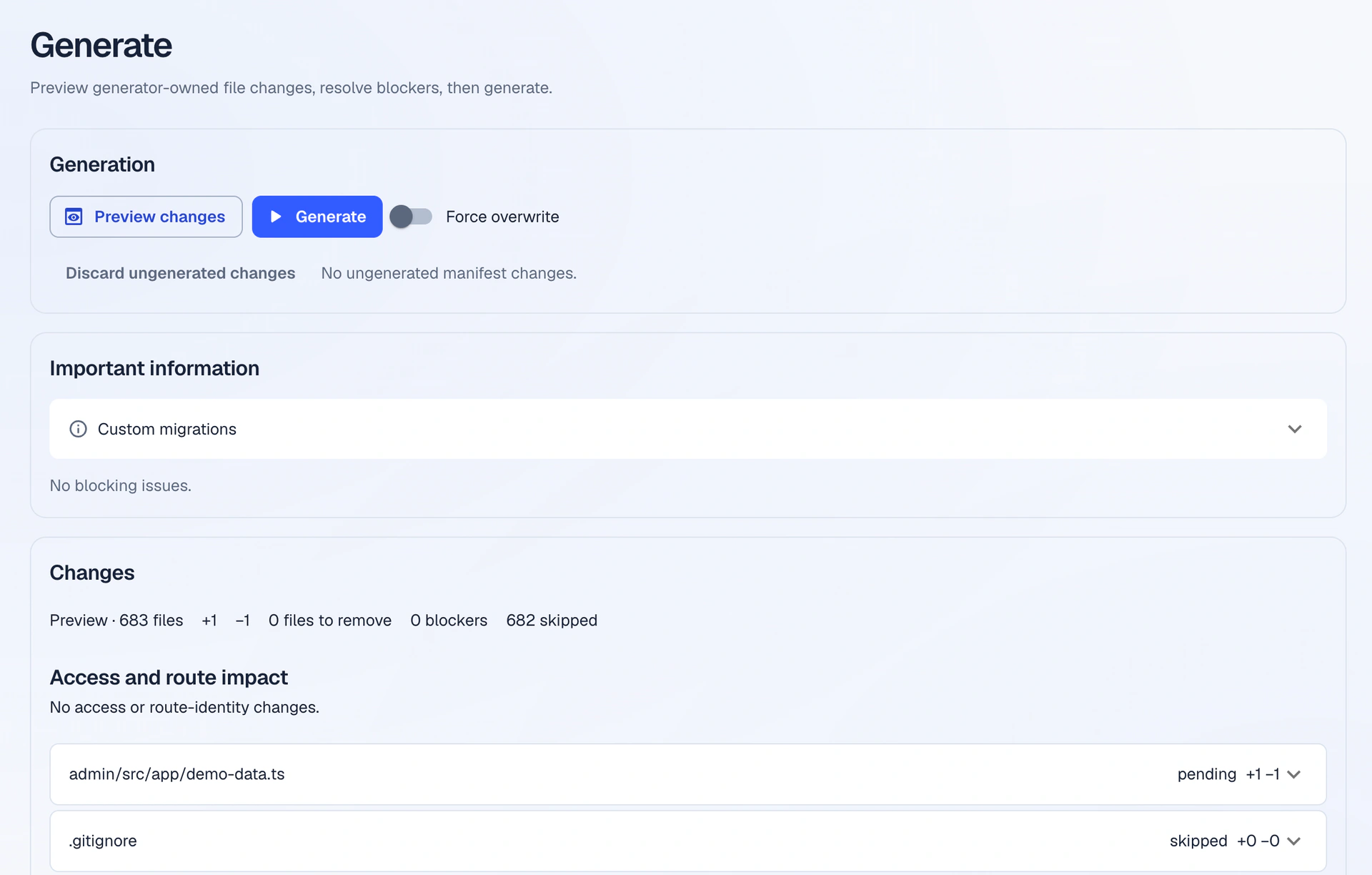
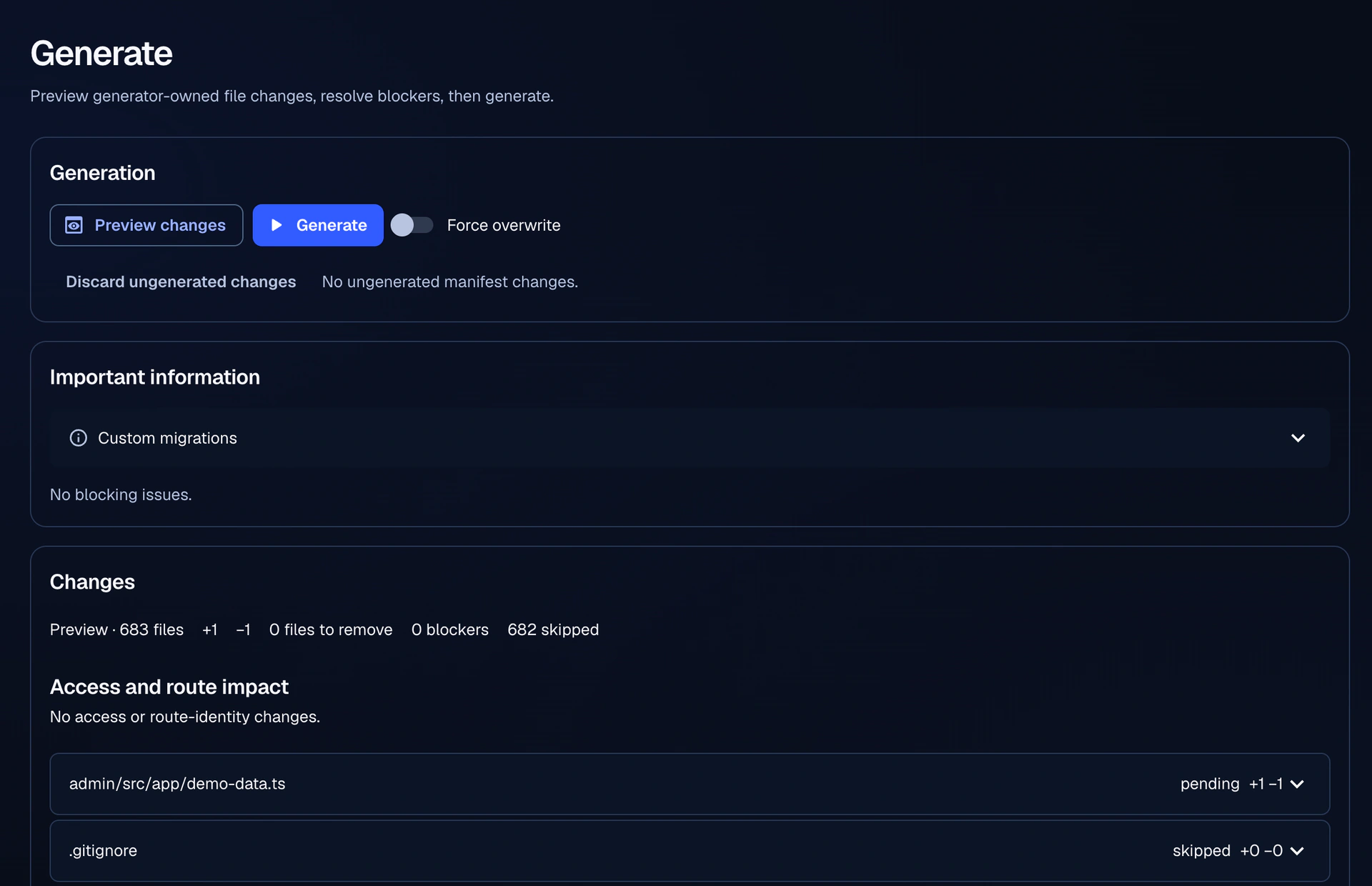
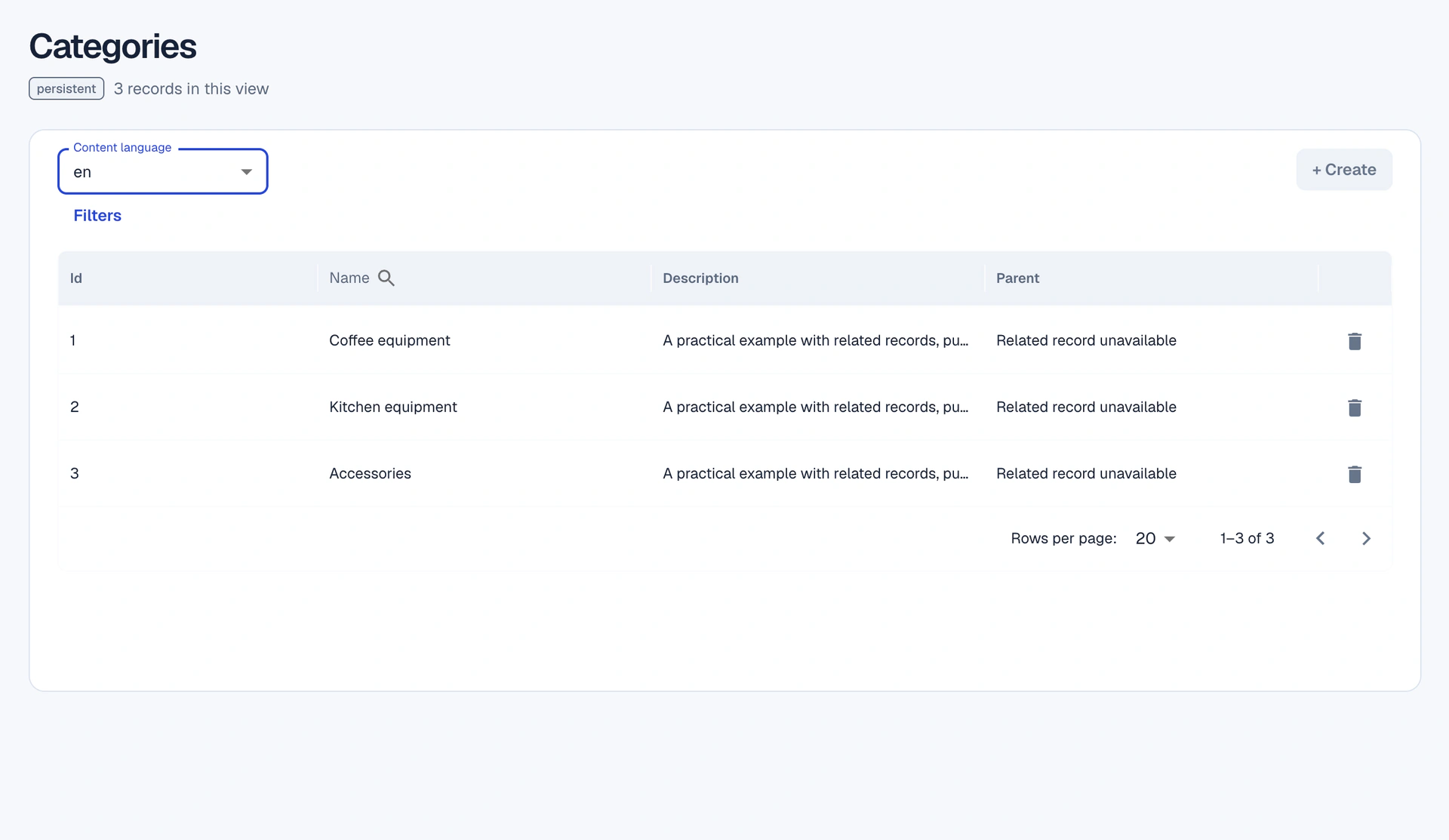
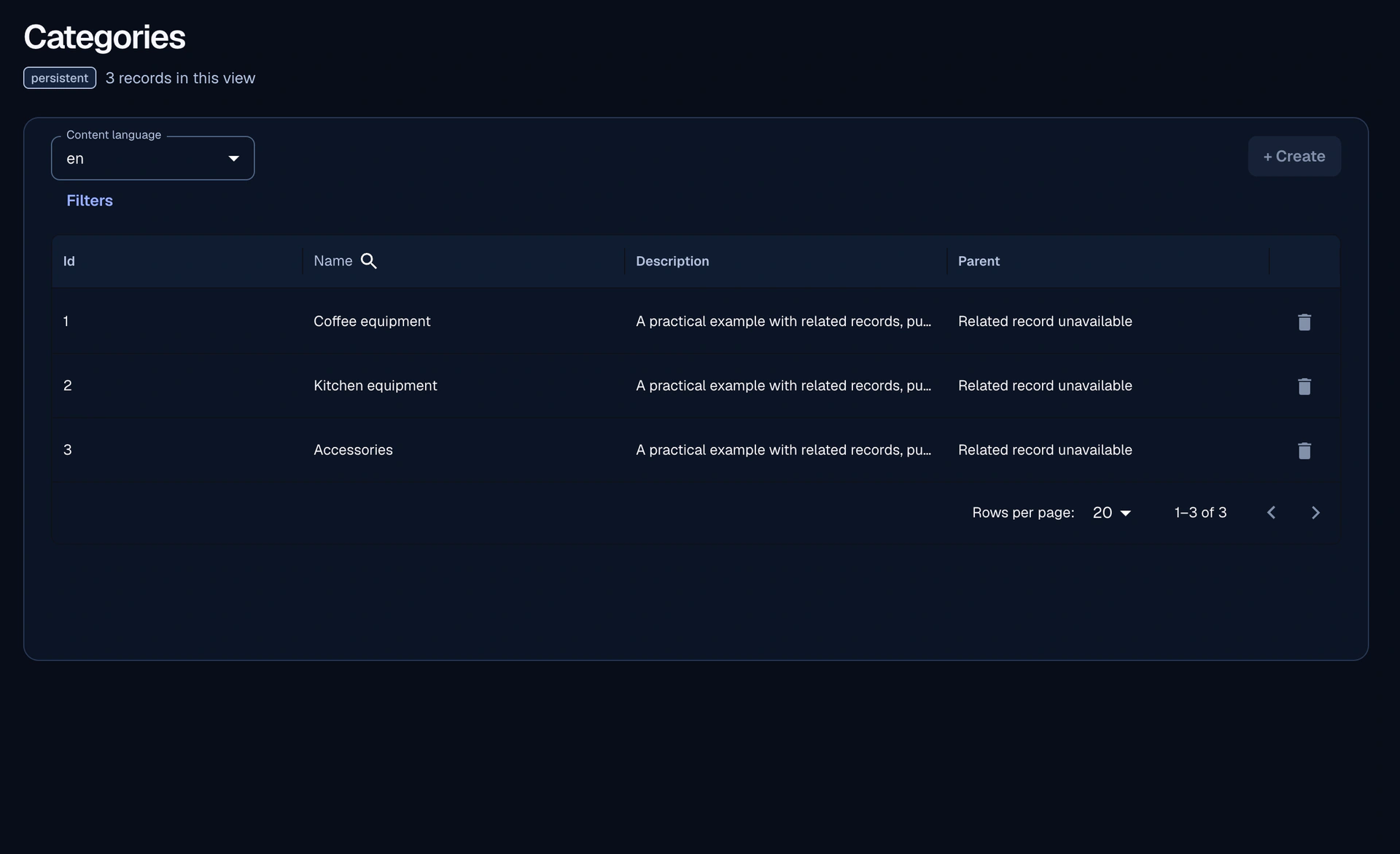
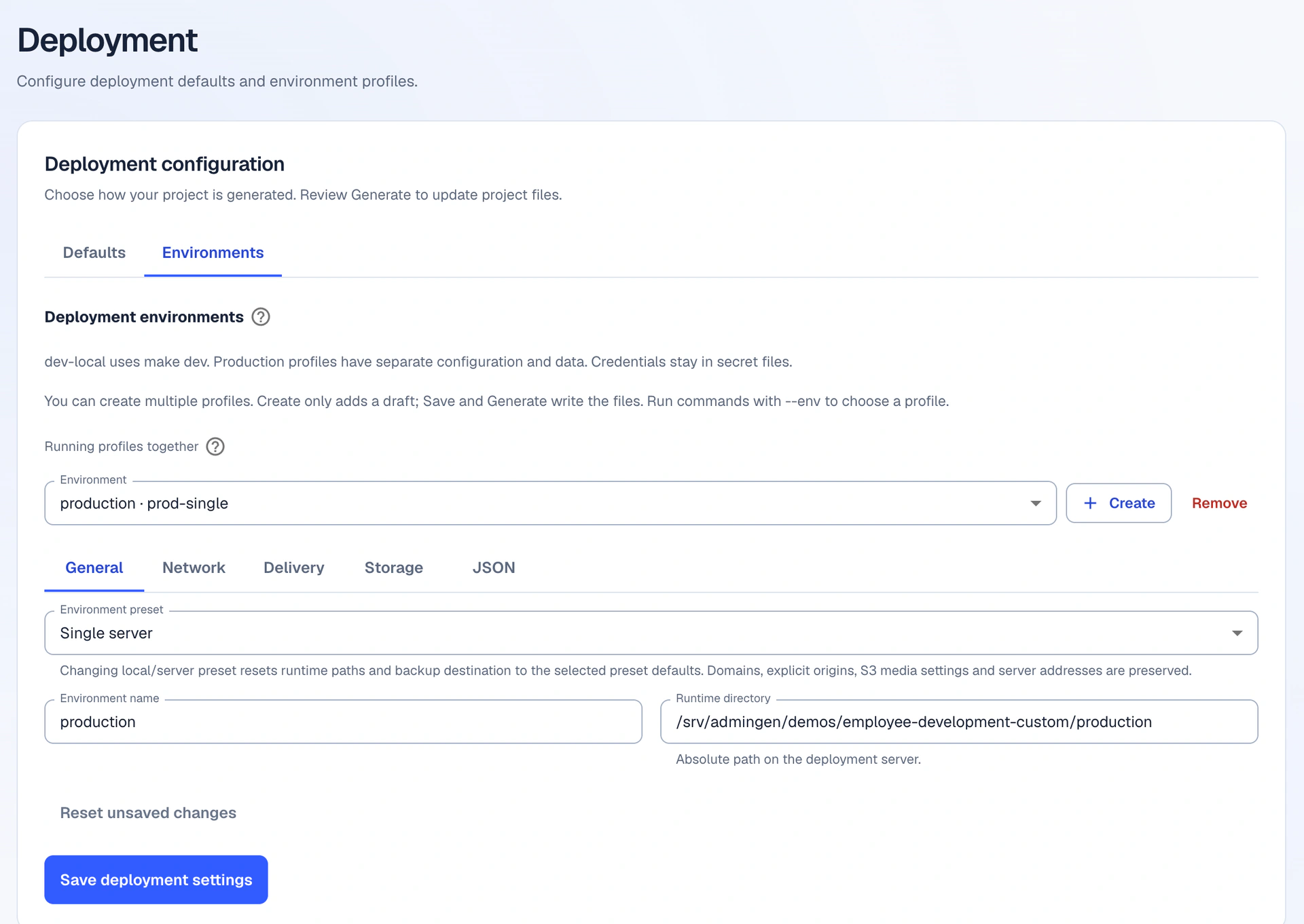
From model settings to the generated admin and deployment.
HOW IT WORKS
A visual starting point. A generated project. Space for your own code.
01 / WORKFLOW
Shape your entities, fields and relationships in the Generator UI.
02 / WORKFLOW
Review changes and generate your Go backend and React admin.
03 / WORKFLOW
Develop custom business logic alongside model changes. Regenerate the shared foundations and keep your extensions.
Your application. Your code. Your rules.
WHY ADMINGEN

Define entities, fields and relationships in the UI. Review changes before generating.

Generate a Go backend and React admin from the same authored model.

Generated OpenAPI artifacts describe the generated REST API.

Model belongs-to and many-to-many relationships, including inverse views.

Generate PostgreSQL schema changes as append-only migrations.

Keep your logic in custom zones through regeneration. Connect your own React home page with Custom dashboard; disabling it preserves your code.

Choose admin CRUD and external API access per operation. Built-in accounts and roles; rules enforced by the backend.

Run on one server or split frontend and backend across two. Choose image delivery and CI independently.
Describe new entities, refine an unapplied proposal and review it before Apply. Saved entities stay under your manual control in Content.
Read guideArrange form fields, sections, rows and tabs. Save the layout in the model and generate it with your application.
Read guideBrand the admin and sign-in page with separate titles, images and colors. Preview both themes with automatic readability adjustments; disabling branding preserves your settings.
Read guideBuild a guided demo with the viewing journeys you need. Add or remove journeys in the UI and choose whether to generate per-folder ADMINGEN.md guides.
Read guideExplore the generated stack and customization boundaries.
Read docsStandard use includes up to 15 authored entities without an account. AI, Admin editor and larger-model growth require the corresponding account access. Your generated application runs independently.
Account and accessBUILT FOR DEVELOPERS
Generated foundations and your custom logic have separate homes.
Entities · fields · relationships

One authored model drives the generated project.
Review the changes before applying generation.
Application and API
Generated admin interface
Append-only schema changes
Generated REST API contract
Account roles and operation rules
Docker · Nginx · delivery adapters
Generator-owned output. Avoid hand-editing files that regeneration replaces.
backend/internal/generated/**admin/src/features/<entity>/generated/**Your extension logic belongs here and is preserved through regeneration.
backend/internal/custom/**admin/src/features/<entity>/custom/**SCHEMATIC OUTPUT PATHS
backend/openapi/backend/migrations/ACCESS, DEFINED PER OPERATION
Admin CRUD · per-operation access
External API · off / authenticated / anonymous
Field conditions for external List/Get · backend enforced
Extend custom zones. Keep generated zones generator-owned.
Read customization docsDEPLOYMENT
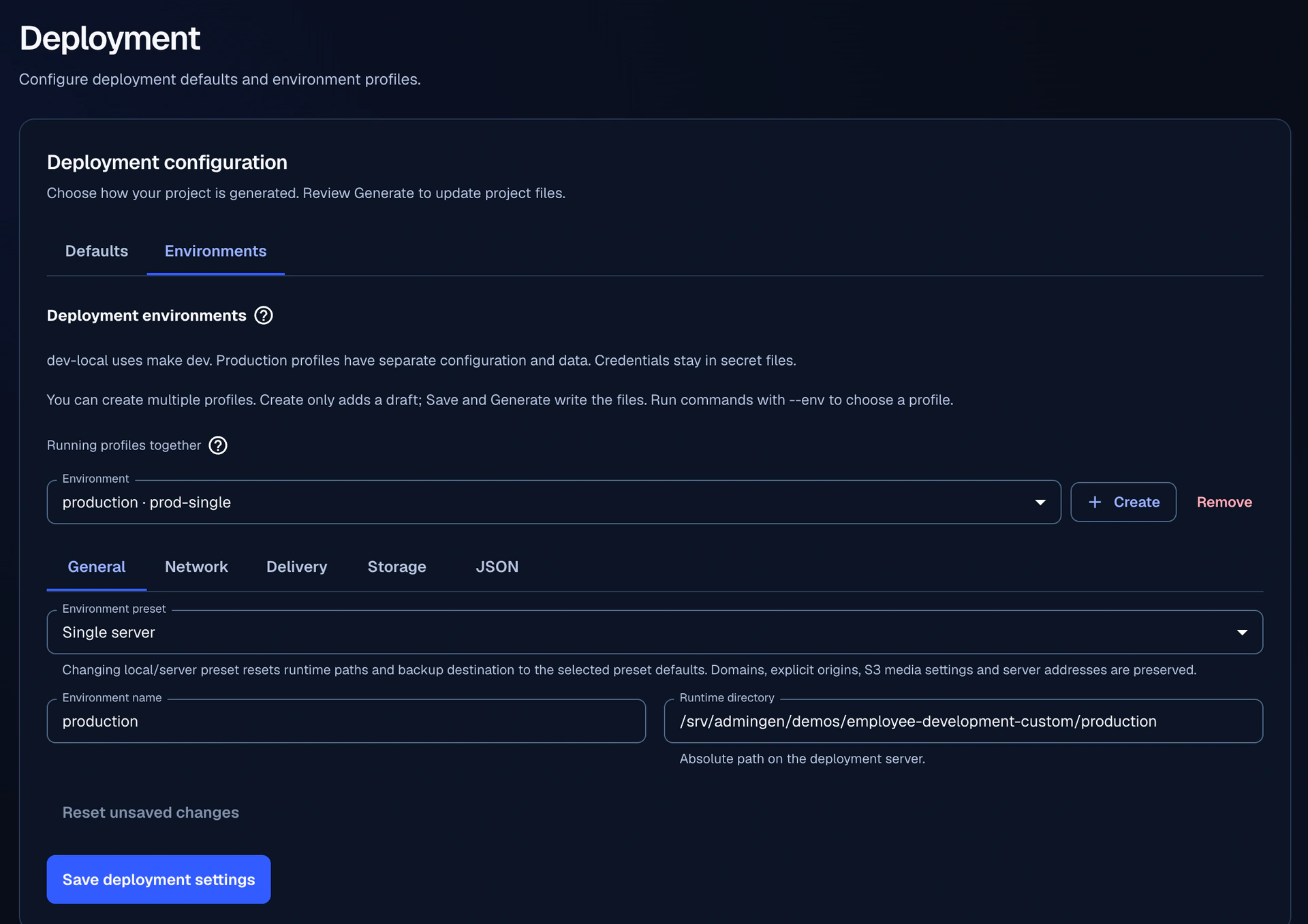
Generated Docker workflows for one server or separate frontend and backend servers. Choose how images arrive, which CI runs them, and where images are stored.
Admin, API and PostgreSQL on one prepared VPS.
Admin · API · PostgreSQL
Frontend ingress and admin on one VPS; API and PostgreSQL on another.
Nginx · HTTPS · Admin
Nginx · API · PostgreSQL
Manual or GitLab CI · single server
Transfer over SSH · single or split
Pull release images · single or split

GitLab CI can build source on your VPS or deliver runner-built images. GitHub Actions supports archive and registry delivery.
IMAGE REGISTRY
Choose the registry independently of CI.
Reverse proxy and certificate management with Certbot.
Generated configuration for prepared servers.
Opt in to Nginx caching for anonymous List/Get responses, with configurable TTL.
Admin and authenticated requests bypass the cache. Cached responses may remain unchanged until TTL expiry.
Environment profiles, release checks, image rollback and optional local or S3-compatible backups.
Image rollback and data restore are separate operations.
Configure hosts, domains and secret files in your deployment environment.
Read deployment docsUSE CASES
Turn your models into tools for the people who manage your data.
Give your team a place to manage records, relationships and routine updates, with access configured for each operation.
Manage structured content and related data. Choose which external reads are available to your website or application.
Build an admin for your product’s data, then add the custom workflows and business logic your team needs.
Browse, search and update application data through generated screens, with relationships and validation defined by your models.
Examples of what you can build with Admingen.
START BUILDING
Develop the model and custom business logic in parallel. Generate the Go backend and React admin, configure access, and choose your deployment workflow.